 Tonight is the 82nd annual Academy Awards. Some people watch the show for the movies. Some watch it for the glamor. And some, watch it to gamble. And Google is making that easier than ever.
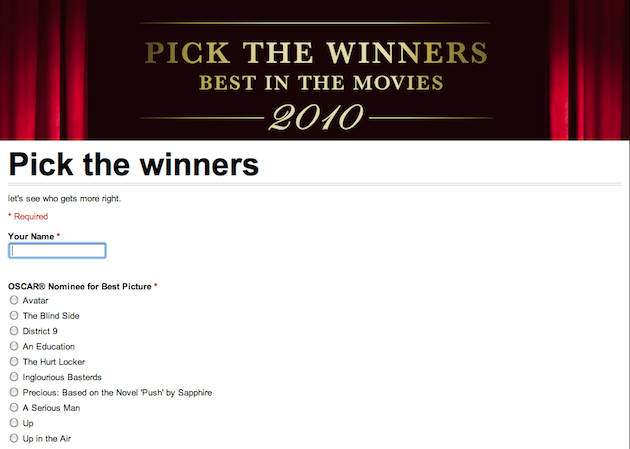
While the show is almost always way too long, one way to get into it is to have an Oscar pool, where everyone picks who they think will win in each category. Google has set up a special Google Docs template that allows you to easily create this pool and send it to all your friends. It’s so simple, that you can even set it up to be filled out right within an email.
When you send the email to a friend, they’ll be asked to enter their name, and then simply select who they think will be the winner in each category. Google has already populated all of this data in the template, so there’s really nothing more for you to do. When they send this information back, it will be imported into a Google Spreadsheet, so you can compare the data from all your friends. You can also see a more visual “summary” of the data.
Categories such as “Best Short Film (Live Action)” also ensure that this can be a pretty fun drinking game, as well. You have a few hours til the show, get picking.