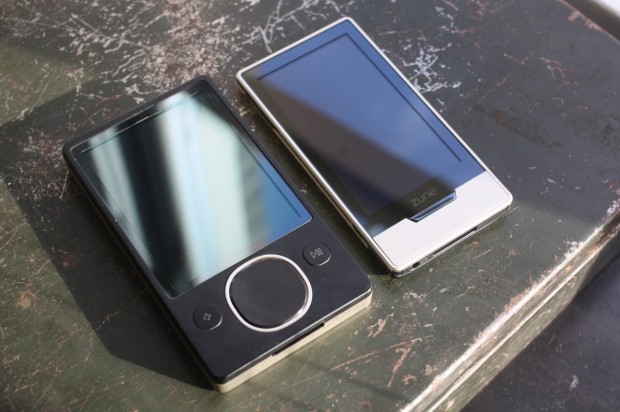
The Zune HD is upon us, and whether you love it or hate it, you have to admit that it is devilishly good-looking. I happen to think it’s also a great media player, based on my day with it and on previous demos, but the final judgment will come in a day or two with the full review.
In the meantime, I’m sure a lot of people have been waiting on a decent walkthrough of the Zune HD’s interface. I’ve got just that for you, in HD no less, so click that play button and get an in-depth tour of the music and video navigation, browser, and marketplace.
For the record, I didn’t choose the thumbnail. I’ll get a YouTube version up for the review since the HD matters for readability. I’ve tried to strike a balance between brevity and completeness, but it ended up being over 10 minutes long anyway. Well, what else have you got going on? Look at these pictures while I talk talk talk in the background.
I didn’t have time for the dock and HDMI out, video of that and the TV UI will be in the full review. It’s nice, but you’re not missing out on much — if you really must see it right away, there’s a video with no explanation or sound hereabouts.
Update: Honestly, guys? Eight links to Apple Insider? We’re happy to have alternate points of view, but if you want to share a link please just do it once.