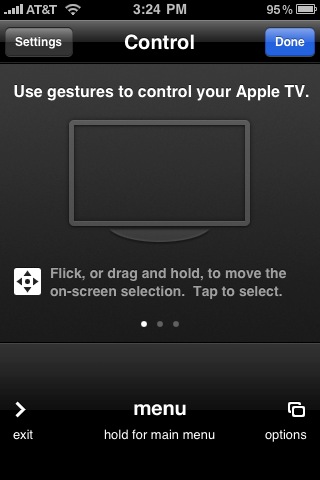
 I like the Apple TV as a device, but its remote is awful. It’s the same little dinky white one that used to come with all Apple computers a few years ago. While it’s pretty good for using the FrontRow feature on a computer, your computer also has a keyboard for navigation and things like searching — the Apple TV does not. And so the white remote by itself is painfully slow navigating the Apple TV. But with an update to both the Apple TV and its Remote app available for the iPhone and iPod touch, Apple has completely revamped the way you can navigate the system using gestures and multi-touch.
Watch the videos below to see it in action, but to say this is improved is beyond an understatement. Rather than clicking those little buttons dozens of times, you can now just slide around the iPhone screen to move around. And it’s much easier to get to the iPhone’s keyboard to do things like searches — a funtionality which is basically unusable with the white remote.
Find the updated Remote app in the App Store here, it’s a free download and will work with iTunes on your computer as well.