It’s actually quite hard to send a public link to someone in Dropbox. You have to dump the file, find it, sometimes right click and sometimes jump over to the website, and then grab the right link. Thankfully, Droplings improves things immensely.
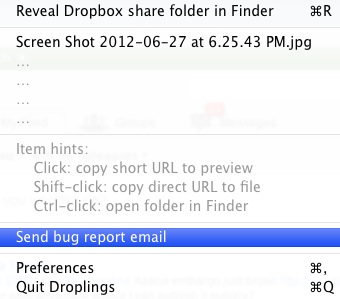
To use Droplings, you simply drag a file to the tiny drop in the corner of your OS X screen. The file is uploaded automatically and a public link appears in your clipboard. The system also builds a preview page around the file that you can edit to suit your own needs. It’s really that simple. The app is free right now, although there could be a paid version forthcoming.
The app allows you to create custom link screens, thereby allowing you to customize the experience your clients or friends see when they grab our files.
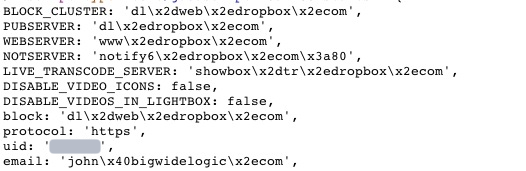
Munich-based programmer Carlo Zottmann built the app so he could share files with his clients quickly and easily. It requires your Dropbox user ID which you can either find in a public link or, barring that, in most pages of the Dropbox site when you’re logged in. Just view source and look near the top of the code.