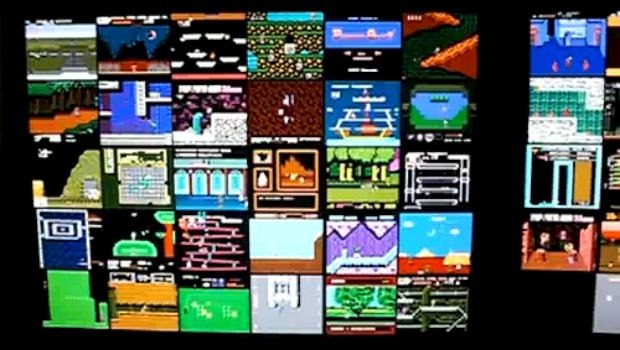
Be still my beating heart. The UberNES Nintendo Screen Saver displays a grid of multiple working NES games when your computer is idle. Leave it be, and you’ll see all the various demos running at once. Hit the spacebar and you can actually start playing the games.
Tears of joy, my friends. Tears of joy.
If you don’t have any ROMs, there are around 100 downloadable demo movies “that provide over two full days of unique NES gameplay footage,” according to the UberNES.com website. Aside from that, installation consists of copying the Nintendo Saver.scr file into your Windows/System32 directory (yes, Windows only) and then pointing it at your ROMs directory to create a library content to pull from. You don’t need to install a separate emulator in order to play the games either.
Nintendo Screen Saver [UberNES via OhGizmo!]