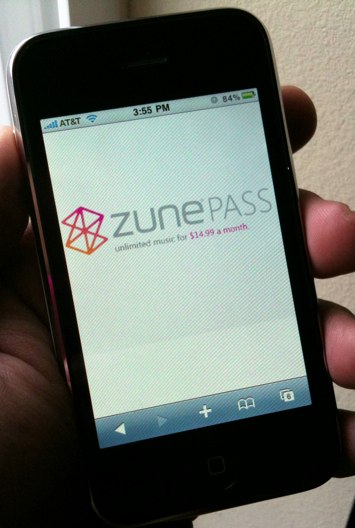
Dru at Gearlive has unearthed a fascinating Escherian software solution that allows you to stream ZunePass music. Zune Pass, for those not in in the know, is Microsoft’s $15 a month streaming service that can blow music through your Zune and onto your Windows desktop. Then you need Orb. Then you send the music straight to the iPhone over the Interwebs. Simplicity itself.
Read his whole DIY if you’re so inclined. Then you can listen to your Orb-streamed music anywhere in the world.
Here you can see me playing some classic Michael Jackson. I downloaded all his albums with my Zune Pass, and had immediate access to them on the iPhone, by way of OrbLive. Do note, in OrbLive, you can specify if you are on Wi-Fi, 3G, or EDGE in the settings, and it will determine quality accordingly. So if you have a strong 3G connection in the car, you can even enjoy your tracks over your car stereo.