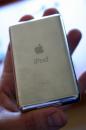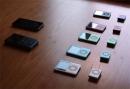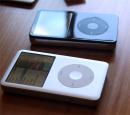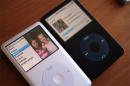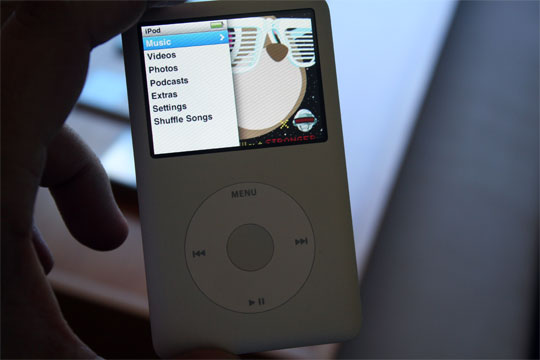
I had the opportunity to love, hug, and kiss the new iPod line yesterday alongside Mike Kobrin and I was definitely impressed. It wasn’t so much the restyling — that was cool — but these things are definitely getting smaller and cooler each iteration. The Nano has an excellent screen — yes, you can watch video on it comfortably and yes you should get it — and the Classics are amazingly thin for as much as they can hold. The touch? Well, let’s just say that the iPhone is cooler but if you want the de-phoned iPhone, go for it — it’s as cool and as easy to use as the iPhone. Ok. Let me wipe the slobber off my chest and continue.
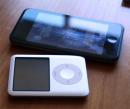
Compared to the iPhone the Touch is as light as a feather and just as usable. It has no external speaker or Bluetooth, but who cares, really. The sound quality was on par with standard iPods over a dock they had on the table. The only thing I could really break the deal is the storage capacity. A Classic hard drive inside a touch would have been hotter than hot. Oh well.
The iTunes Music Store on the Touch will take some getting used to. It is completely separate from the music player proper. Imagine if iTunes and the ITMS were two separate programs you had to download and navigate and you get the drift. All the music goes into your music queue, sure, but it’s a bit disconcerting and a waste of screen space to have two separate buttons. I could even see having the ITMS in the music player, sort of like it is in iTunes. It just makes sense, from a UI perspective.
The Store only works over Wi-Fi, so when it comes to the iPhone you won’t be able to download over GPRS. They also talked a bit about the Starbuck’s service, explaining that it, too, would be fairly seamless and quick.
All told, if you were in the mood to upgrade or purchase right now, I’d say upgrade your Nano and wait for the rest. By order of improvement, the Nano is first — the old Nanos are made sadly redundant with this upgrade — then the Touch over any standard iPod. The Classic is near the end of the upgrade worthiness, unless you need the extra space. Finally, there are the new Shuffles which are basically the same.