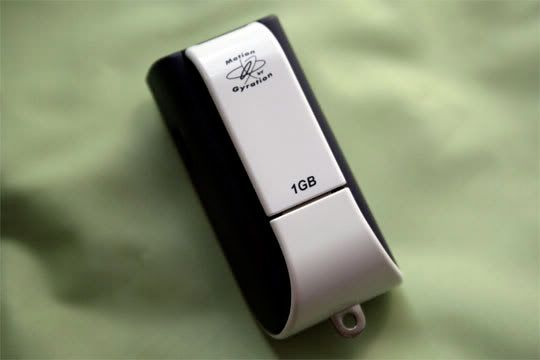
We already did a nice video on the GyroTransport last weekend, so we’ll just comment on this a bit more and leave it at that. I’ve rarely used presentation remotes because, thus far, they’ve been fairly innacurate and bulky. Luckily, the $199 GyroTransport is neither.
It works with Macs and PCs seamlessly and includes 1GB of memory built-in to the wireless dongle. It’s essentially a plug and play mouse that appears on your system immediately without drivers. There are four buttons: left and right mouse buttons, an activation button for moving the cursor, and a “swipe” button for moving quickly across the screen. The pointer itself is nicely weighted in the back so it feels like you’re actually holding something more substantial than a hollow piece of plastic.
It runs on one AAA battery, included, and pairs upon touching two buttons. It’s absolutely portable – it weighs about three ounces wet – and the wireless dongle connects to the back of the pointer to keep things nice and neat. It’s available now online and if you do any sort of presenting it’s definitely a useful and usable tool.
Product Page [Gyration]