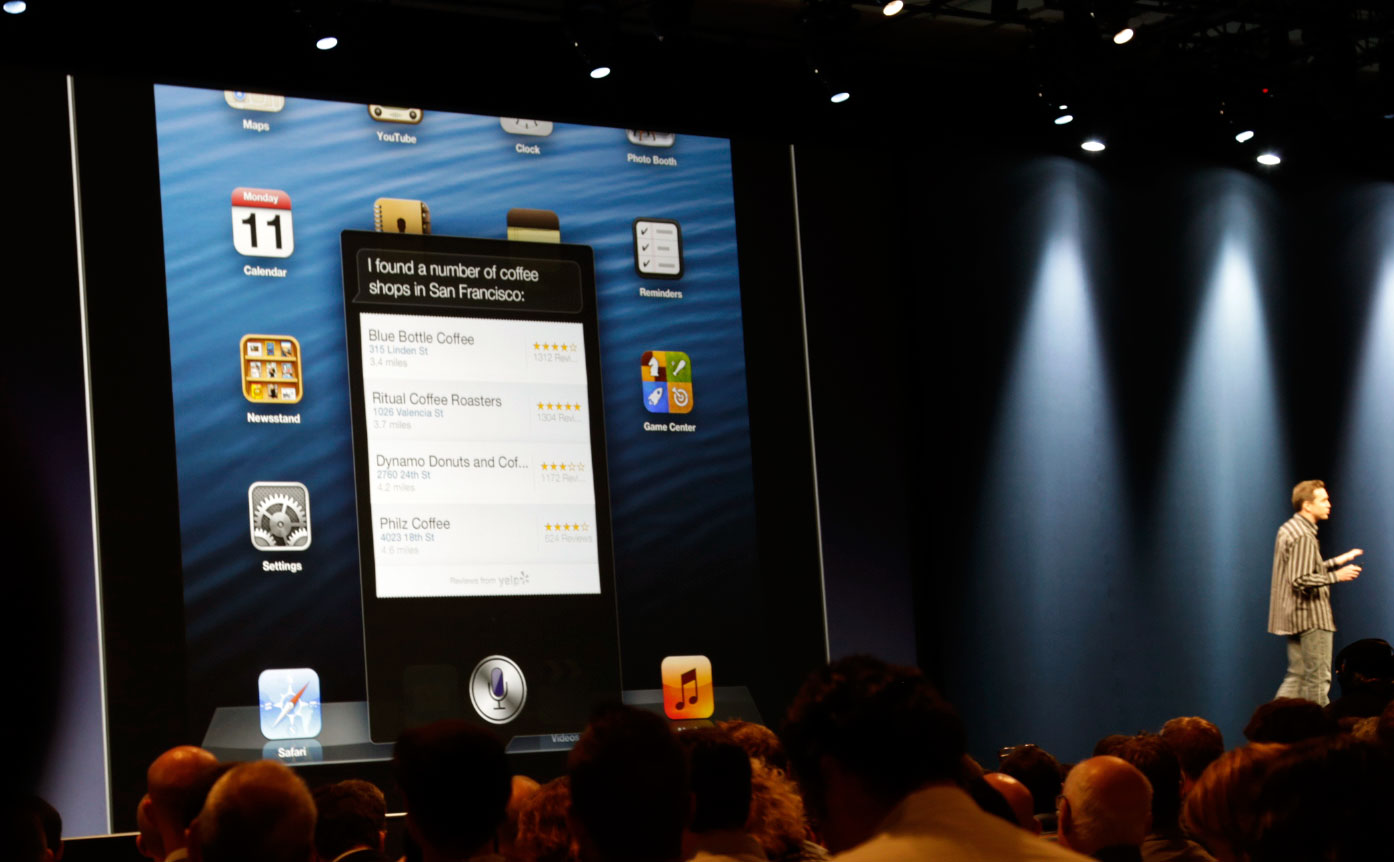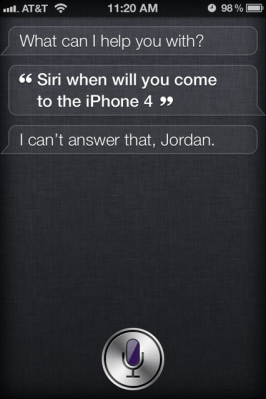
It’s understandable why you might have been confused. Apple made Siri’s expansion about as clear as mud yesterday at Apple’s WWDC keynote.
She learns more, moves to the iPad, gets all kinds of new integrations in iOS 6 (which most certainly will come to your iPhone 4/3GS), but does she actually hop on over to the new hardware and chat at you like the condescending connectivity-challenged genius that she is?
In short, no.
Officially, Siri is only available on the iPhone 4S and the new iPad (third generation). You can see for yourself in the Keynote video at the 81:15 mark.
So what does this mean for all of the new services and apps in iOS 6 that tap into Siri? Fear not, dear fanboi. You’ll still be able to perform a “Flyover” in Maps, and there are really no limits to what you’ll be able to post on Facebook. You just won’t be able to have Siri post those things for you.
Siri is also the default voice for turn-by-turn navigation in the Maps app, which shouldn’t change if you have an iPhone 4 or 3GS. You simply can’t ask her for directions to the local drugstore.
Update: Pocket-lint has discovered a bit of tiny text at the bottom of Apple’s iOS 6 page saying that 3D mode and turn-by-turn navigation will not be available on the iPhone 4, iPhone 3GS, or iPad 2. Here’s the official wording:
Flyover and turn-by-turn navigation will be available only on iPhone 4S and iPad 2 or later.
It’s been said over and over again that Siri can work on the iPhone 4, and she can probably function on the iPad 2, too. But Apple is trying to scale out Siri to make sure the user experience isn’t entirely awful. Plus, Apple’s really good at that whole “turning a profit” thing, and the company likes to keep flagship features such as Siri on flagship devices, such as the iPhone 4 and the new iPad.
The same was true for Facetime on the iPhone 4, but Apple then had the excuse of no front-facing camera on the 3GS. This time, the masses will likely be a bit more raucous about a lack of voice-powered fun. Either way, you shouldn’t feel bad. People aren’t proving adventurous with their Siri usage, likely because the experience is underwhelming at best.
Wish for Siri when she can actually get things right the first time and possibly understand your accent.