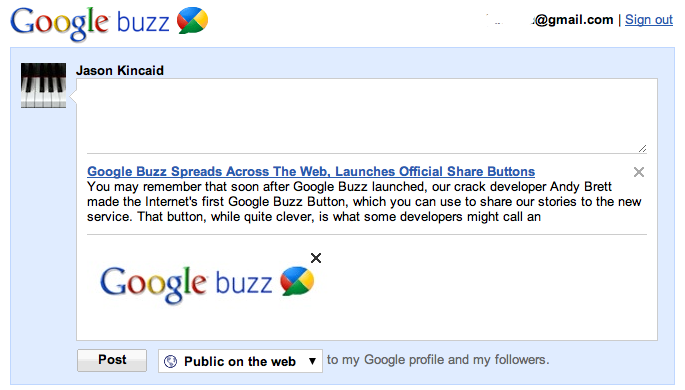
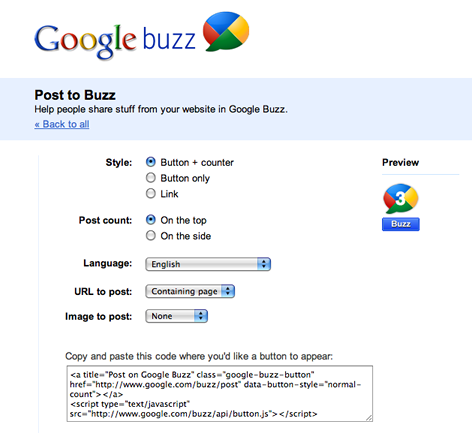
 You may remember that soon after Google Buzz launched, our crack developer Andy Brett made the Internet’s first Google Buzz Button, which you could use to share our stories to the new service. That button, while quite clever, was what some developers might call an “ugly hack” — it used Google Reader to share stories, because Buzz hasn’t offered a native way to do it. Today, that changes: Google has just launched its first set of official Google Buzz Buttons, allowing sites to integrate Buzz sharing with a snippet of code. If you want to see what the buttons look like, look up! We’re one of Google’s launch partners, so the official Buzz button is already live. You can grab the new buttons here.
Along with the share button, there’s also a button to follow users on Buzz. Click this one to follow TechCrunch!
Alongside the launch of the buttons, Buzz is also being integrated into Meebo, and widgets like ShareThis, Shareholic, AddThis, and AddtoAny, all of which are commonly used to share stories. The button has also been integrated into some other popular sites like The Washington Post and The Huffington Post.
This is a big deal. Buzz is a social service that is built around sharing, so it makes sense that people will want to use it to share links with their friends (frankly I was surprised it didn’t launch with these buttons in the first place).