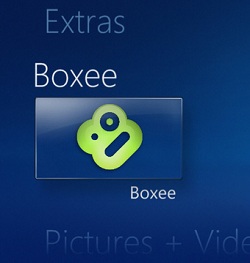
 Both Boxee and Windows Media Center are amazing and among the most popular media playback programs. However, they don’t really work together as they are both more platforms than anything else. You have to close out of one program to start the other and that’s not an easy task if you’re controlling your HTPC with just a remote from your couch. Enter Boxee Windows 7 Media Center Integration 1.0 plug-in.
This plug-in is so simple. It inserts a Boxee icon into Windows Media Center that when pressed, runs a script that closes WMC and starts Boxee full screen. When you close Boxee, WMC starts back up. Genius! It’s the next best thing instead of a true Boxee Windows Media Center app. [BoxeeWMC via Lifehacker]