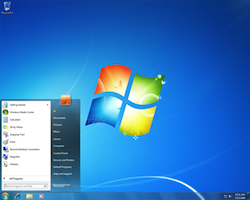
Would you run Windows 7 on a netbook? It’s a good question, especially when you look at some of the benchmarks vis-à-vis battery life and past versions of Windows, namely XP. But let’s put that aside for a moment. Let’s say you do, in fact, want Windows 7 on that shiny new netbook of yours. Problem: your netbook doesn’t have an optical drive, which makes installing Windows 7, oh, impossible. Until now! Microsoft has released the Windows 7 USB/DVD Download tool that let’s users create a bootable Windows 7 USB drive or DVD ISO.
Now, the second part of that equation, the DVD ISO, is fairly useless for netbook users, but a USB drive? Everyone has at least one free USB port. Buy and download the Windows 7 image file from Microsoft, then run it through the Download tool, then off you go.
via TomsHardware