 Earlier this week, Microsoft showed off the Twitter functionality it’s building into the newest version of Bing Maps. The feature shows tweets on a map. But that requires the new Bing Maps beta, which requires Silverlight. If you prefer to use Google Maps, you can also easily see geolocated tweets on your maps thanks to tweet stream RSS feeds that include geolocation data in them.
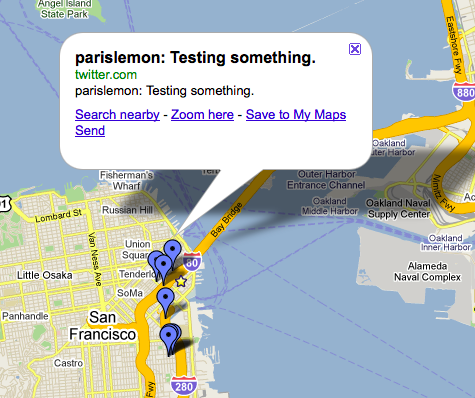
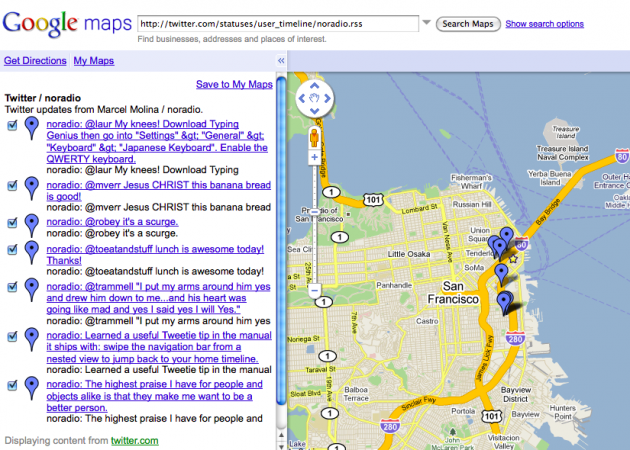
Simply load up Google Maps, grab the Twitter feed of anyone who checks-in and tags their location, and insert that URL into the search box on Maps. On the map, you’ll see a collection of blue markers indicating where the tweets were sent from (here’s an example). Clicking on any of these markers brings up the tweet itself in a bubble overlay. And in the left side column, you’ll see the a timeline of the geolocated tweets.
You can add these feeds from several users and Google Maps will remember them, so you can see a collection of your friends’ tweet locations. And it even works for Lists feeds.
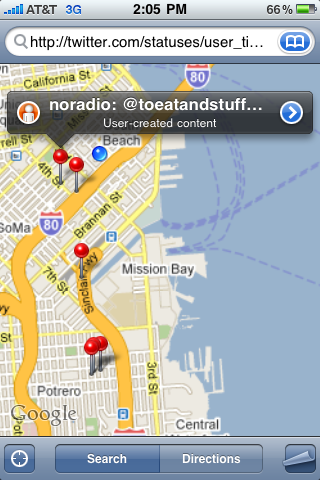
Also cool is that this same process works on the iPhone. You’ll have to copy a feed URL to get it to work, and again, copy it into the search box, but it displays on the map nicely.
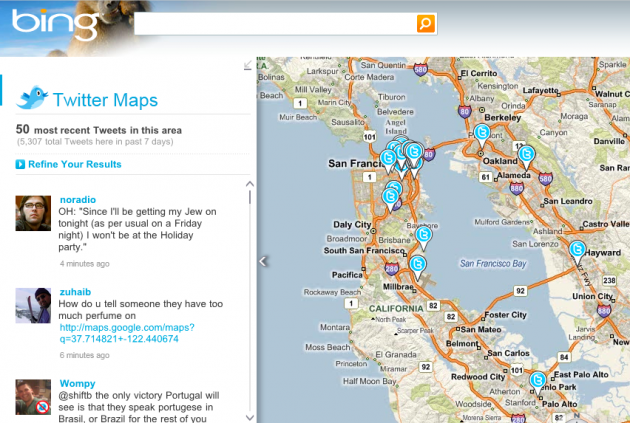
The Bing Maps Twitter location integration (below), looks much nicer as it’s natively built in with things like user icons, and the ability to display tweeted pictures. But again, it also requires Silverlight, and you can’t easily filter by things like Lists.
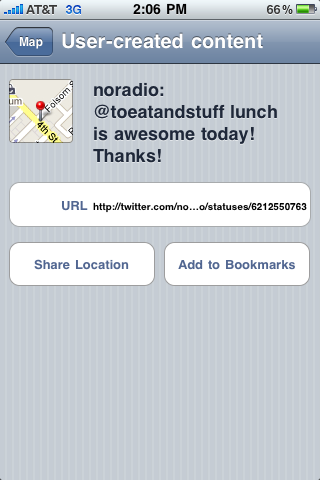
[thanks Peter]