Facebook Connect launched to the public less than a year ago, and already it’s seen an incredible amount of traction. Unfortunately, for those people with little to no coding experience, implementing Facebook Connect has seemed like more trouble that it was worth. Today, Facebook has an answer: Facebook Connect Wizard and Playground.
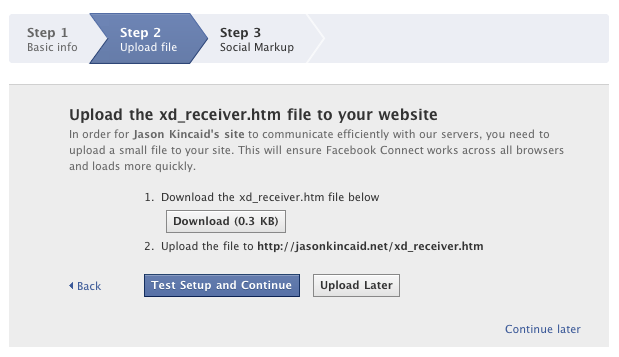
Facebook writes that “you can now incorporate Facebook Connect into your site in 3 easy steps.” The process is simple. First, you enter the name of your site and its URL. Then Facebook asks you to download and then upload a special file to your site’s main directory. And.. that’s about it. Once you’ve done that, Facebook will present you with its Playground — a list of code snippets you can embed on your site to round out the functionality, including Login buttons, profile photos, publishing items to News Feeds, and rendering photos of a user’s friends.
Deciding to put their little wizard to the test, I tried to implement Connect on one of my personal sites (note that I’ve never tried to implement Connect before so I really didn’t know what I was doing). And to my surprise, it worked: I managed to have a very basic form of Connect up and running on my site within all of two minutes. It will obviously take longer to make sure the new icons and buttons play nicely with your site’s design, but it’s really surprisingly easy.