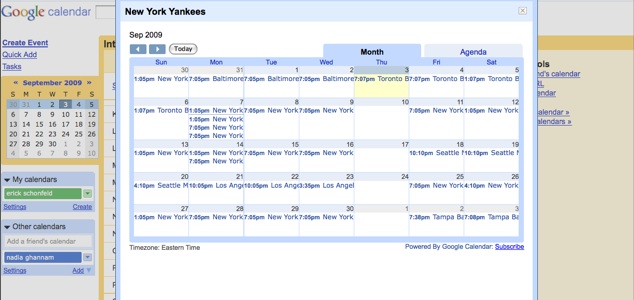
Want to keep track of Yankees games, Bristol Rugby matches, or the schedule of the Taiwan Beer team (for all of you fans of the Taiwanese Super Basketball League out there)? Now you can subscribe to the schedules of your favorite professional sports teams on Google Calendar. Just click on “Add other calendars” in the left-hand column and browse “interesting calendars.”
Google just added sports calendars for football, baseball, basketball, rugby, hockey and soccer. It also released a few other features today, including the ability to add birthday reminders for your contacts. If you have their birthdays in Gmail contacts or it is in their Google profiles (we all have one of those, right), then it will automatically populate your calendar with their birthdays.
Google Calendar Labs also has two new features. Meetings that are scheduled on a repeated basis can be dimmed in the calendar. Those weekly staff meetings are so much background noise anyway. And now any Google Gadget can be added to your calendar.