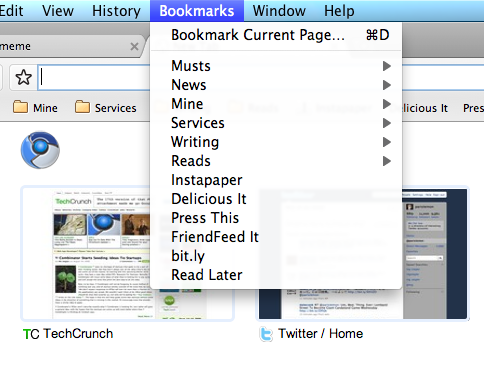
 As promised, Google has just launched bookmark syncing for users on the dev channel of its Chrome web browser. This allows you to keep your browser bookmarks in sync no matter which of your computers you are using.
Syncing has been a standard feature of Apple’s Safari browser for some months now, but you need to have MobileMe for it to work. And Firefox users could download add-ons like Xmarks (previously called Foxmarks) to get the functionality, but with Chrome it will be built-in, and most importantly, unlike MobileMe, free. Google notes that the bookmarks are stored on users’ Google account alongside Google Docs and sync via XMPP.
To get the feature working, you apparently have to launch the dev version of Chrome with the “–enable-sync command-line flag”. If you understand what that means, you’re good to go. If not, you’ll probably want to wait for the feature to hit the regular release channel, something that will probably happen relatively soon.
Bookmark management appears to have been temporarily disabled on the latest versions of Chromium for Mac, after they were first turned on last week. When they come back, hopefully this syncing will work for Macs as well. To stay up-to-date on the latest versions of Chromium for Mac, check out our updater tool.