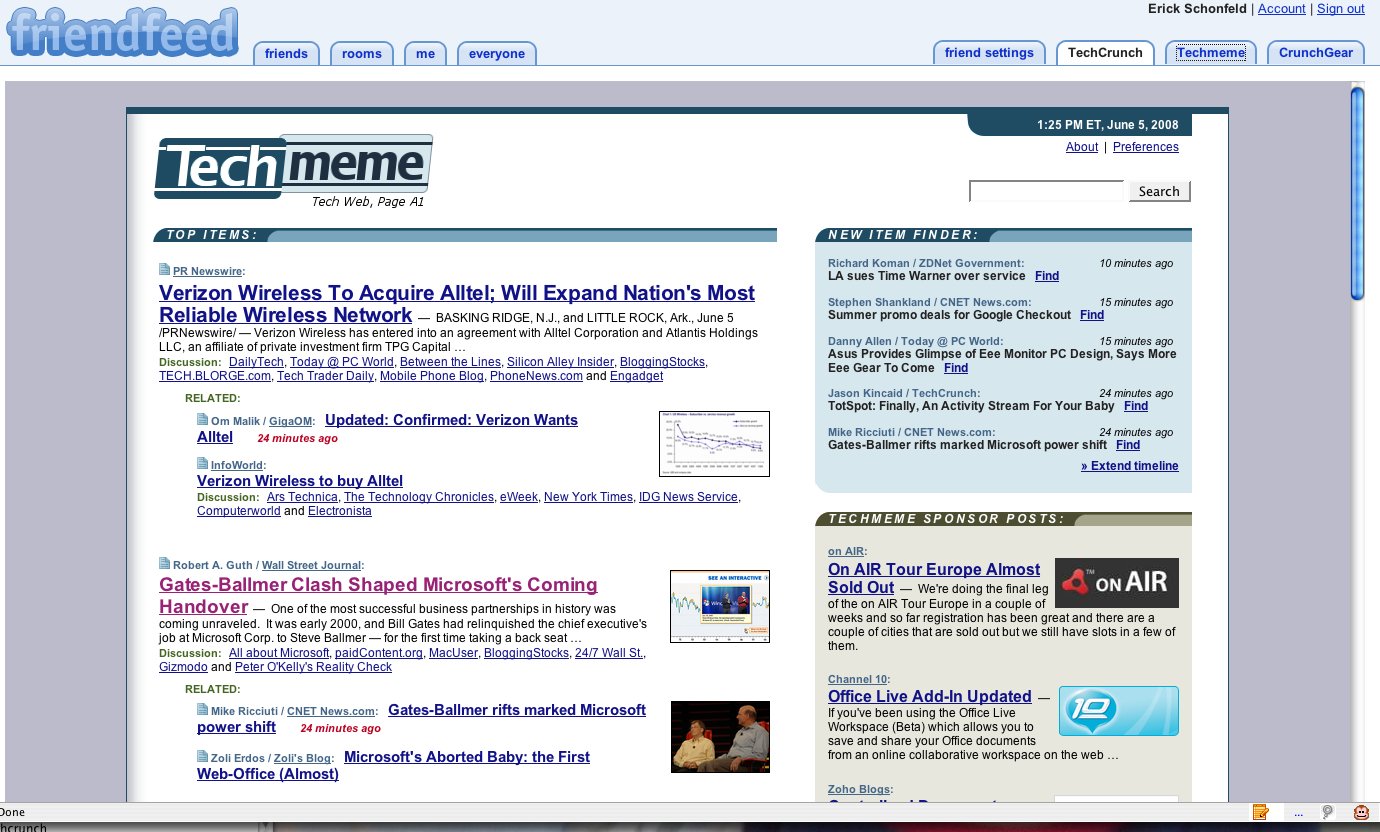
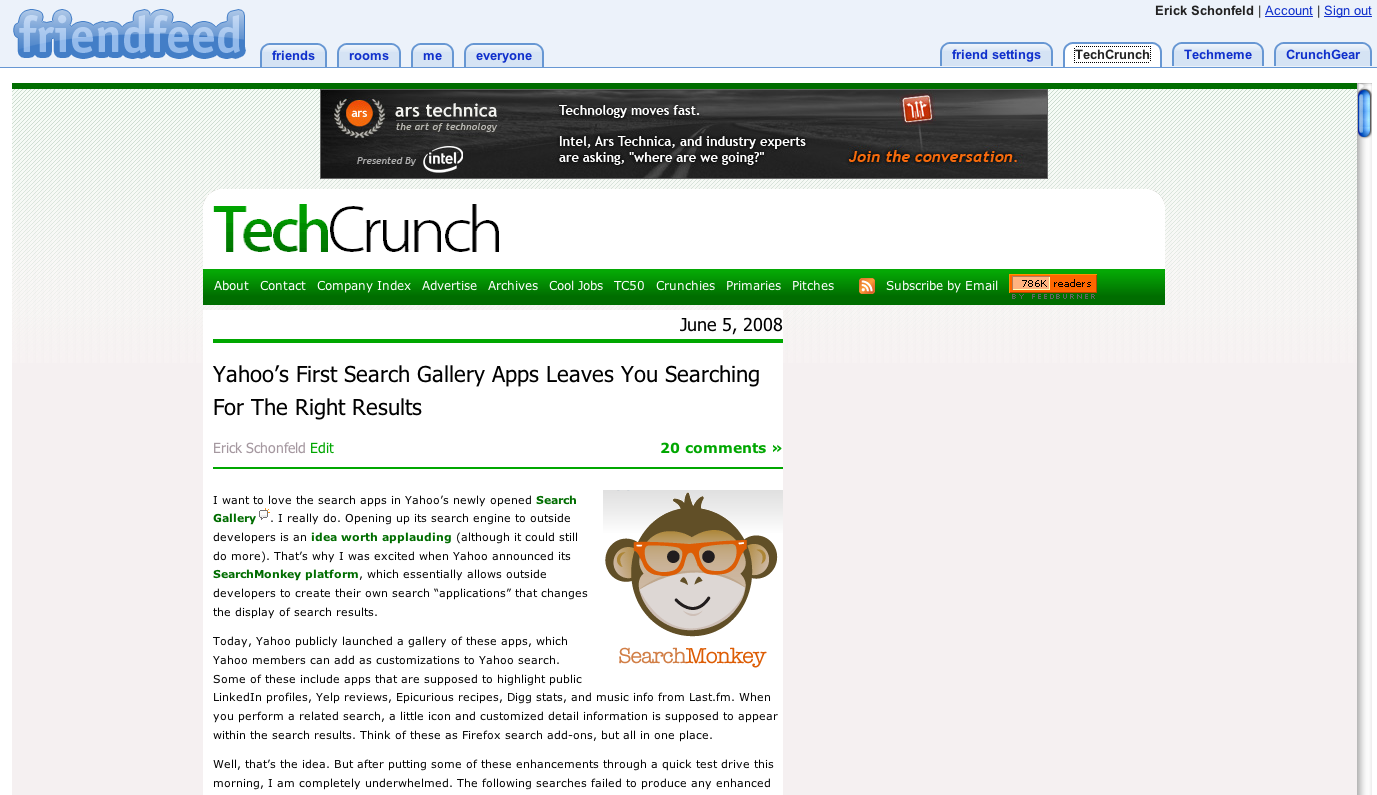
Who knew Duncan Riley was such a Greasemonkey? My former colleague just made FriendFeed a lot more useful for people on Firefox. Using Greasemonkey, an add-on to Firefox that lets developers customize Webpages through the browser, he created some scripts that add tabs to FriendFeed and that make it even more of a super start page than it already is.
He got the idea from this app called FriendFeed Tabs that lets you add Techmeme as a tab. When you click on the tab, news aggregator site Techmeme appears within FriendFeed.
Duncan went further and added scripts to add tabs that show Google Reader, Facebook, Twitter, Netvibes, Plurk, ReadBurner, and his own version of a Techmeme tab inside of FriendFeed. He also created scripts for TechCrunch and CrunchGear. (Thanks, Duncan!) You need to add Greasemonkey to Firefox before you can install any of these scripts. But once you do, and relaunch your browser, whenever you go to FriendFeed the tabs will appear and you can scroll through the sites at your leisure.

Some of these tabs are redundant with FriendFeed itself, which lets you bring in RSS feeds and your Twitter feed, for instance. But the tabs let you access these sites and services in a more traditional view, and you can always toggle back to the FriendFeed stream. And now, for people who check more than one of these sites on a daily basis, they can simply access them all from FriendFeed. (Note: these scripts are essentially a hack, and there may be some issues, which Duncan describes in this post).